A Walk-Through Solving Hack The Box Academy’s Web Requests Module on POST
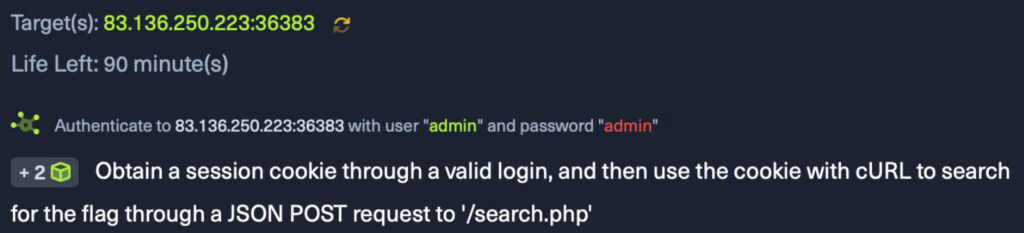
Objective: Obtain a session cookie through a valid login, and then use the cookie with cURL to search for the flag through a JSON POST request to ‘/search.php’
Target(s): 83.136.250.223:36383
Note: I’m using Pwnbox, so you don’t need to set up a local VM for this.
First, navigate to your target ip on your browser : http://<target ip>/
You’ll see you will need a valid credentials, which is here admin:admin.
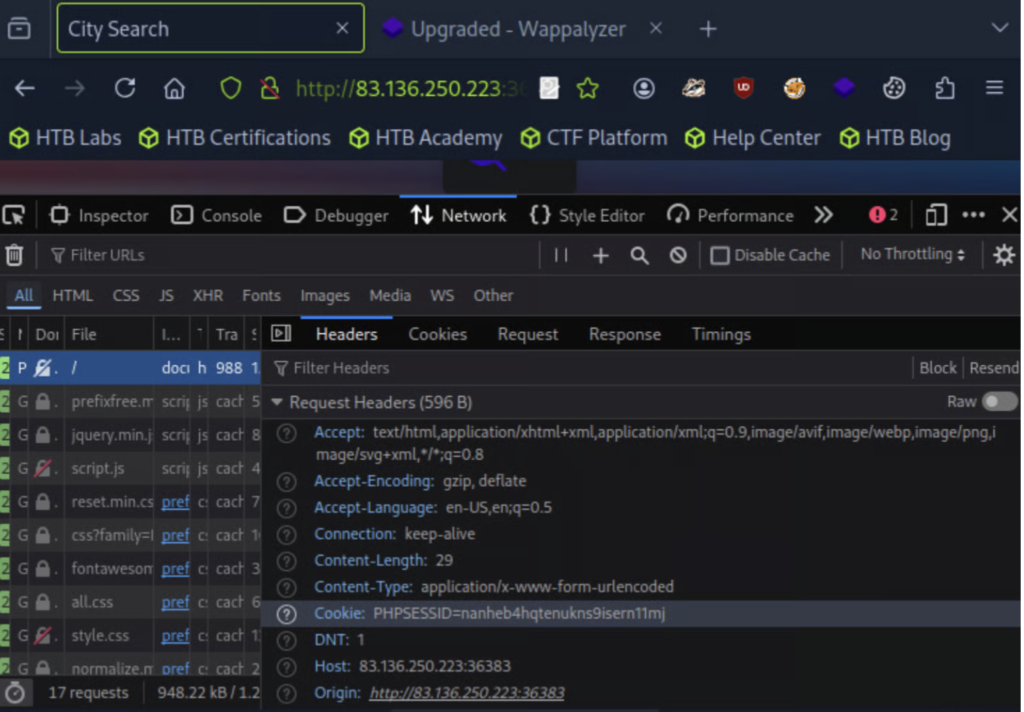
To open the browser devtools in either Chrome or Firefox, we can click [CTRL+SHIFT+I] or simply click [F12].
Next, navigate to the Network tab in your browser’s Developer Tools and click on the POST request made to your target IP. Under the Headers>Request Headers section, you should be able to find the session cookie.